
Try it before
you ask.
Four systems, open without signing up. The data is fictional test data, and anything you change stays in your own browser — nothing is sent to us.
These are working demo systems, not a finished cloud product and not a client’s production application. Every business gets its own version through a pilot — we adapt the labels, the workflow and the data, then check together whether the system actually helps.
Four demo systems
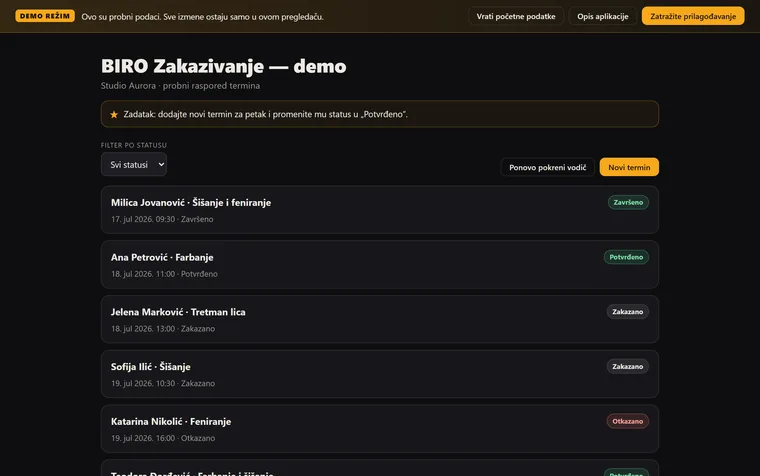
BIRO Scheduling
The client picks a free slot; you see the day at a glance. Try moving an appointment, or cancelling one.
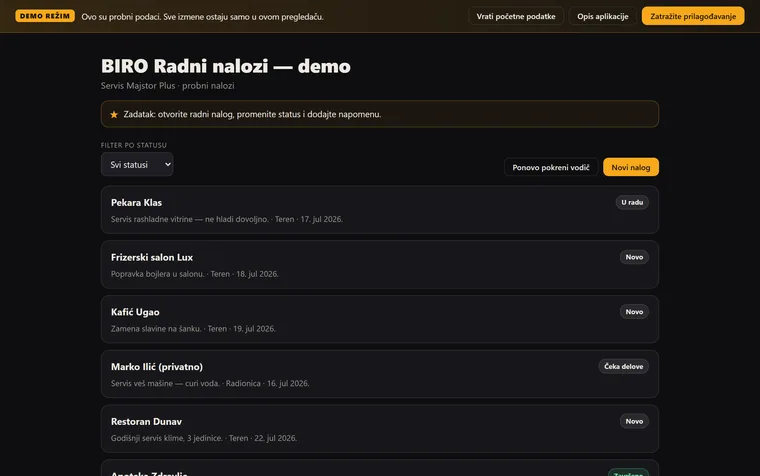
BIRO Work Orders
Assign a job, change its status, look at the operations board.
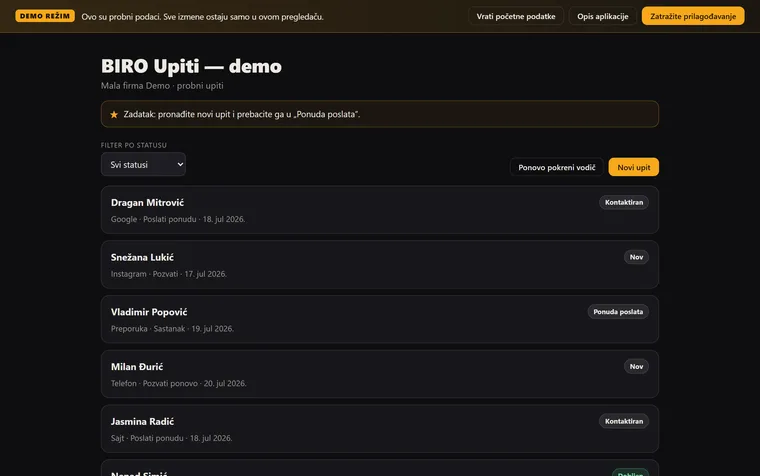
BIRO Enquiries
Move an enquiry through the stages of the pipeline and see what the next step is.
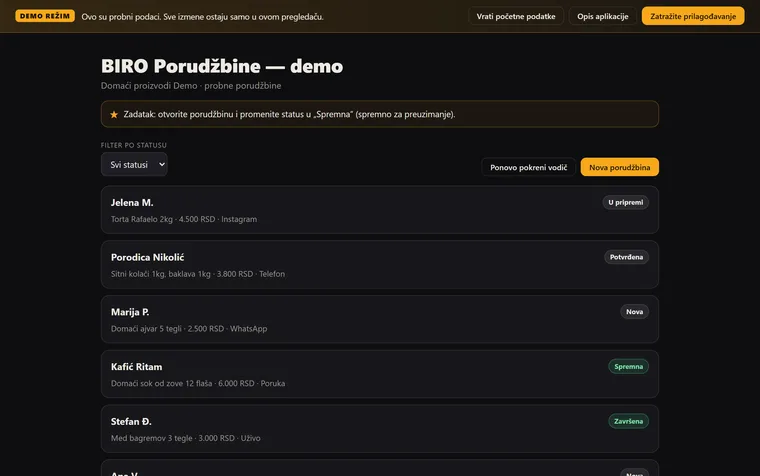
BIRO Orders
Enter an order, change its status, and filter by what is still waiting.
Every demo has a short walkthrough of the screens and a “Reset the data” button — try anything you like, there is nothing you can break.
Demo first, conversation after. Not the other way round.
Do you recognise this in your own business?
Tell us how you take appointments, jobs, enquiries or orders today — we’ll suggest which system makes sense, and how a pilot would run.